Local instead of cloud
Captured signatures are stored exclusively on your device. In the free offline version, there is no server they would be sent to automatically.
 PetiForm
PetiForm is built so that captured personal data does not travel to us during offline use in the first place. It stays local on your device and only leaves it as the signature list you create yourself as a PDF – or, when online sync has been actively booked, deliberately through the connection designed for that purpose.

Captured signatures are stored exclusively on your device. In the free offline version, there is no server they would be sent to automatically.
Without actively booked online sync, personal data only leaves the device in the signature list you create yourself. Sharing and backups transfer the petition – never the captured people.
Each petition type defines which fields are allowed. Strict types enforce a minimal data set – data minimization is built in, not optional.
No account. No tracking. No cloud requirement.
Privacy in PetiForm is not a setting you have to hunt for – it is the architecture. What is not transmitted during offline use cannot get lost in transit.
PetiForm draws a clear line between your petition and the people who sign it.
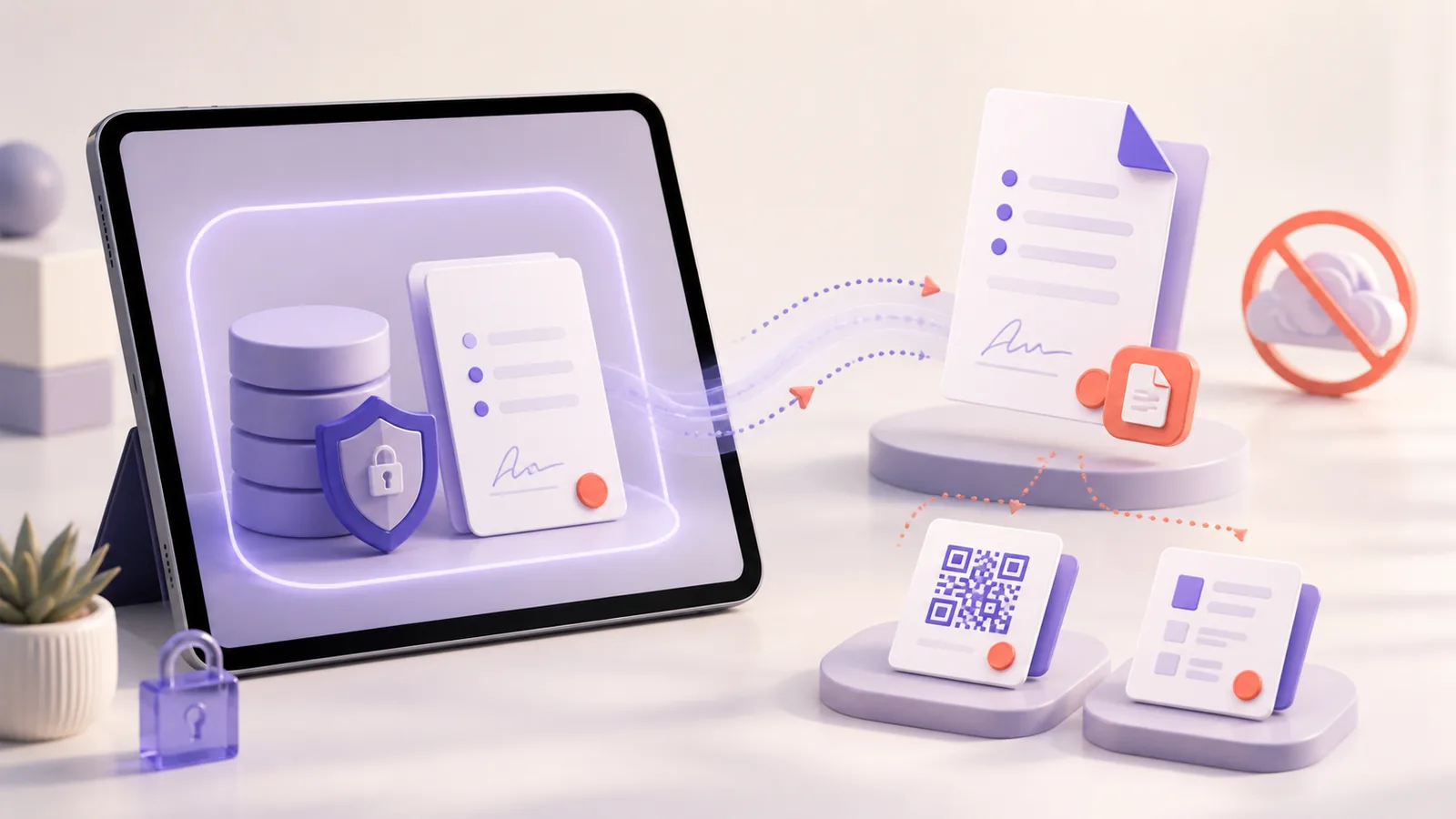
Names, signatures and consents stay in the local database without actively booked online sync – only the PDF you create yourself goes out.
.petiform files never contain the collected signatures either. They only pass on the cause together with the related fields, so co-organizers can collect on their own device.
Not an add-on, but part of the capture flow.
The app defines which fields are permitted for each type. For strict types such as a citizens' initiative, the data set is limited to what is legally necessary – surname, first name, date of birth, address, date and signature. Additional fields cannot even be added there. For strict types, a GDPR notice also points out the data minimization principle.
For every entry, the accepted consent text is recorded together with the timestamp – documented in a traceable way, without this data leaving the device.
PetiForm detects duplicate entries during capture based on identity details – every voice counts exactly once, and the list stays clean.
PetiForm checks that all required fields are filled in. By design, there is no double opt-in, no email verification and no identity validation – so there is no additional data collection beyond what the signature list requires.
Four moments where protection simply runs along with the process – without you having to think about it.
Someone signs at your booth – PetiForm records the consent text and timestamp directly with the entry.
During capture, the app compares the identity details – duplicate votes never arise in the first place.
Even in a dead zone with no signal at all: every entry first lands in the database on your device.
You create the signature list yourself – without actively booked online sync, this PDF is the path by which data leaves the device.
Visibility can be set per field – on the PDF list and in the public area.
For each field, you can define whether it appears in the generated PDF. That way, the list shows only what it needs to show.
For public views, the data set can be reduced – for example, showing only city and date instead of the full address.
You decide per field what appears publicly – by default, nothing. For sensitive fields such as email, the app warns you before you show them publicly.
The same five questions – where is the data stored, do you need an account, who checks duplicates, is consent documented, what leaves the device when sharing?
Online sync is an optional, bookable feature of the planned paid tiers – not a default setting. Anyone who wants to connect multiple devices actively chooses to do so. When sync is used, the data flows through servers in the EU (Germany).
The planned approach is a page vault: only protected PDF pages of the signature list generated by the device are synced. Without actively booked online sync, PetiForm remains in local offline mode.
PetiForm is currently fully offline.
Organizations can run PetiForm on their own infrastructure via Docker image on the "Organization" tier. Then the data lives wherever your organization decides – maximum control instead of relying on third parties.
Like all paid tiers, self-hosting is currently a preview and is not yet bookable.
For organizations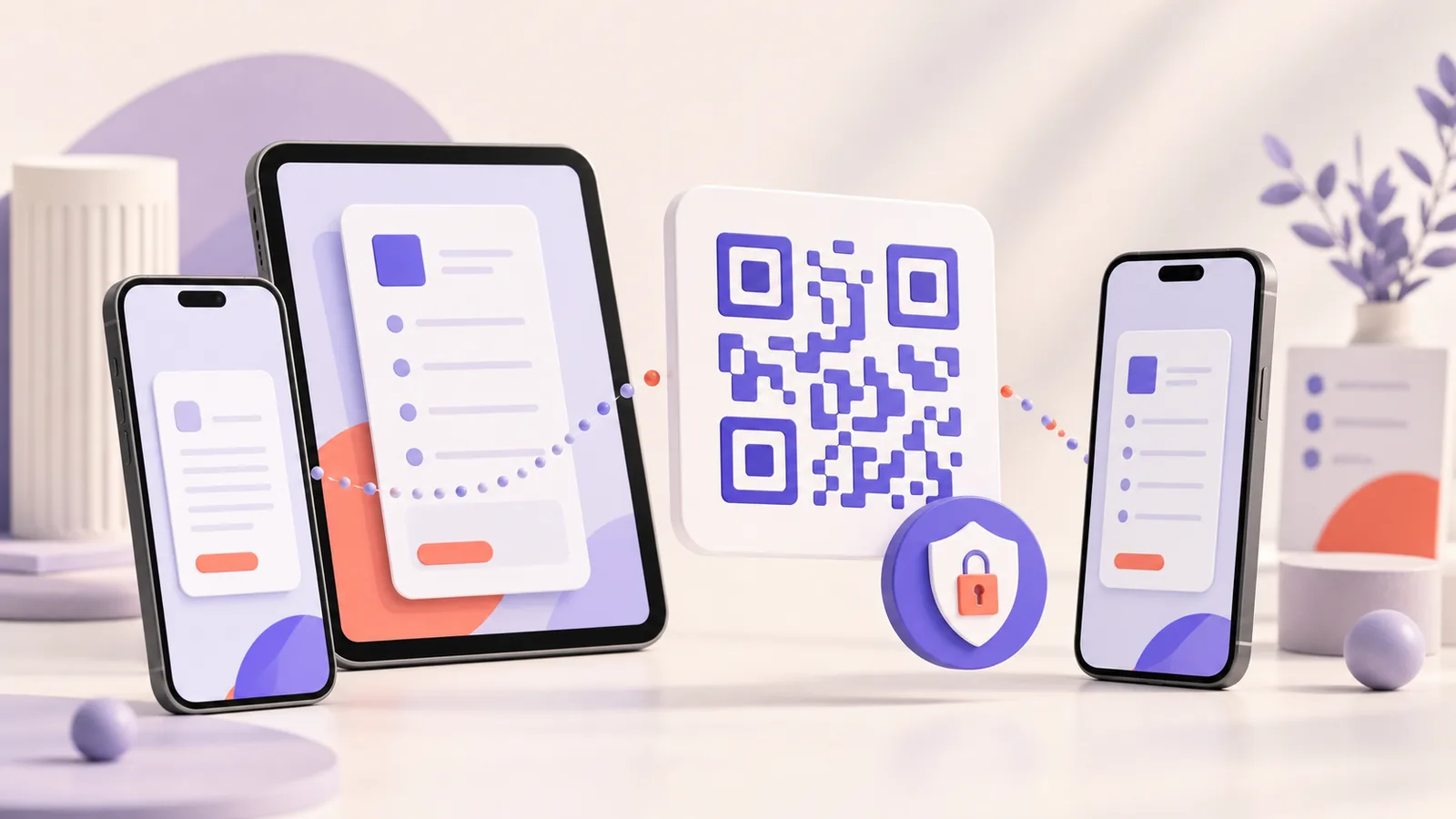
This page explains how PetiForm protects data. The full, legally binding version is in the privacy policy.
Go to the privacy policyWhat gets uploaded? Do I need an account? Is the list accepted? We answer the most common questions compactly.
Go to the FAQStart for free – data-minimizing, offline and without an account.